Quizora.
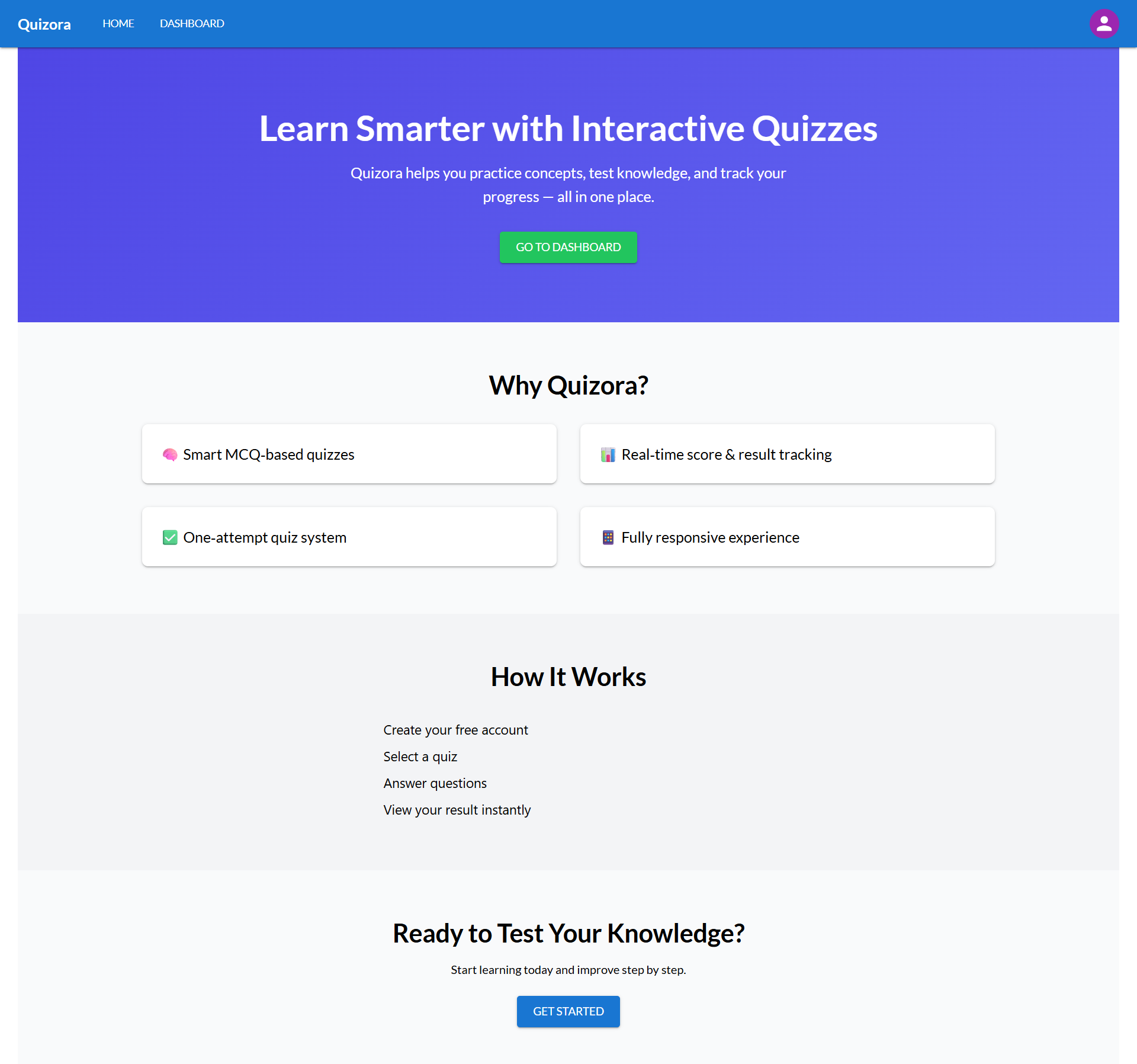
Quizora gives learners a quick way to check what they know. They can choose a quiz, answer one question at a time and see how many they got right as soon as they finish.
The challenge
For this personal project, I focused on three questions a learner brings to a practice session: What will this quiz cover? How long is it? And when I finish, how will I know how I did?
Know what you’re starting
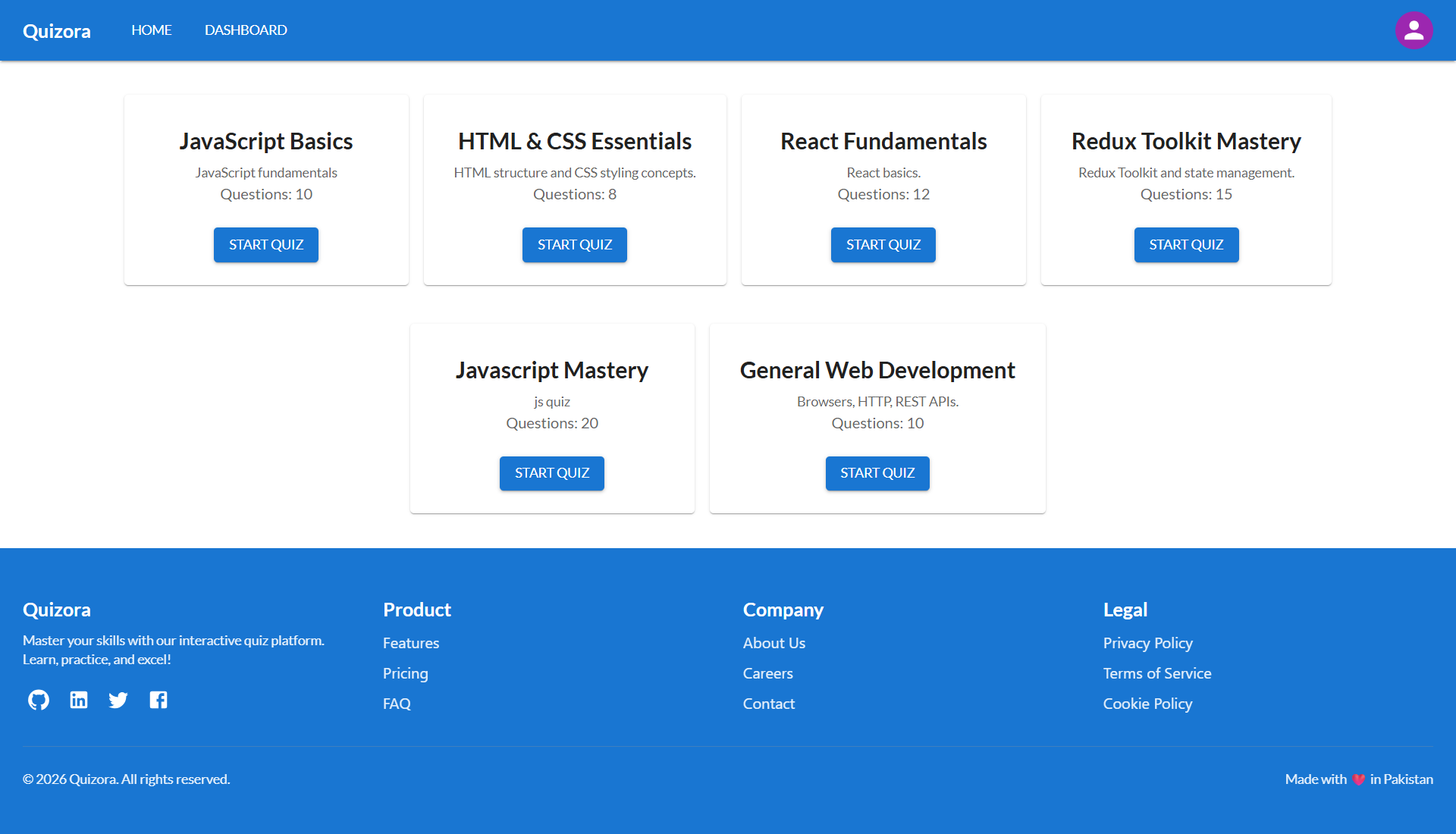
After signing in, learners can browse the available quizzes. Each quiz card shows its topic, a short description and the number of questions. That gives someone a chance to choose a subject they want to practise and judge whether they have time to finish.
Work through one question at a time
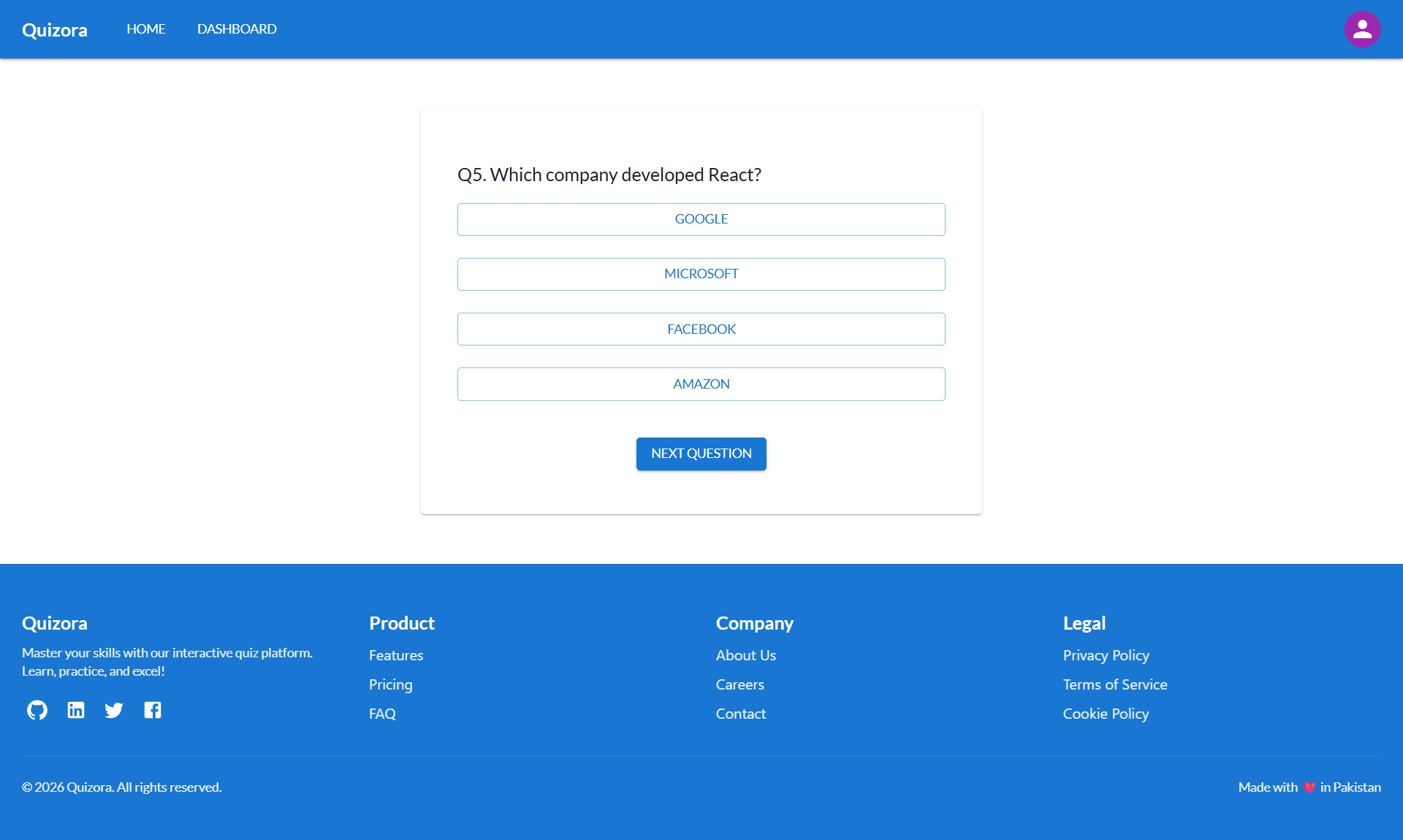
I kept each question and its answer choices together on a single card. In the React quiz, for example, a learner is asked which company developed React. They choose from four answers and move to the next question. Quizora keeps track of their choices throughout the attempt.
See the result as soon as you finish
On the last question, the next step changes to Submit Quiz. Quizora checks the answers and shows the score against the total number of questions. In the example shown here, the learner answered four of eight questions correctly. They can then return home to start fresh.
What changed
A learner can take a practice quiz independently, from choosing a topic to checking the final score. The question count sets expectations before they start, and the result gives them a clear answer to “How did I do?”
 Project archive